


 Log in
 Log in
Phishing attempts – fraudulent messages designed to steal your personal information or money – are a growing concern. Because payment processes involve sensitive financial information, they are common targets for scammers.
The good news is that most phishing attempts can be recognized with a few simple checks. This guide will help you identify suspicious messages and explain how Ropo protects your information.
Warning signs of phishing
Phishing messages often share common characteristics. Be cautious if a message contains any of these warning signs:
-
Suspicious links or web addresses: The URL may look almost correct but contain small misspellings, extra characters, or unusual domain names (for example, ropo-capital24.com instead of ropo.fi).
-
Urgent or threatening language: Messages that create a sense of panic, such as ‘Immediate action required’ or ‘Your account will be closed today,’ are common tactics to pressure you into acting without thinking.
-
Requests for sensitive information: Legitimate companies will never ask you to provide passwords, full credit card numbers, or BankID credentials via email, SMS, or unsecured messages.
-
Poor grammar or spelling: Many phishing messages contain awkward phrasing, spelling mistakes, or unusual formatting.
-
Unexpected attachments: Unsolicited attachments – especially files with extensions like .exe, .zip, or .scr – can contain malware.
-
Generic greetings: Messages that use vague salutations like ‘Dear customer’ instead of your name may be part of a mass phishing campaign.
What to do if you suspect phishing
If you receive a suspicious message claiming to be from Ropo or any other company, follow these steps:
-
Be cautious with links and attachments. If you receive an unexpected or suspicious message, avoid clicking on links or opening attachments. Legitimate messages from Ropo will always relate to invoices or cases you already know about, and you can always verify by logging directly into MyRopo.
-
Do not reply to the message. Responding confirms that your contact information is active, which can lead to more phishing attempts.
-
Verify through official channels. If you’re unsure whether a message is legitimate, log in to MyRopo directly (by typing the URL into your browser, not by clicking a link) or contact customer service using the phone number on your invoice or letter.
-
Report the phishing attempt. If you receive a suspicious message claiming to be from Ropo, you can report it to our information security team at security@ropo.com. You can also report phishing to local authorities or cybersecurity organizations.
If you’ve shared sensitive information
If you believe you may have fallen victim to a phishing attempt and shared your bank credentials, card details, or other sensitive information:
Contact your bank immediately. Report the incident so they can secure your accounts and monitor for fraudulent activity.
File a police report. In many countries, you can file a report online through your local police service.
Change your passwords. Update passwords for any accounts that may have been compromised, and use strong, unique passwords for each service.
How Ropo protects your information
At Ropo, we take security seriously. Here’s how we protect your information and help you stay safe:
Safe access: Your first login to MyRopo requires strong authentication (such as BankID) to verify your identity and securely link your invoices to your account. Subsequent logins can use your email with either a passkey or a one-time verification code for quick access.
Secure communication: All communication in MyRopo takes place through the encrypted Message Center. We never ask you to share sensitive information via regular email or unencrypted channels.
Official channels only: Ropo contacts you through official letters, MyRopo notifications, or by phone using the numbers shown on your invoice. We will never contact you through suspicious URLs or unofficial social media accounts.
No unexpected requests: Any legitimate communication from Ropo about your invoices will always relate to cases you are already aware of – either because you’ve received an invoice or been in contact with us before.
General best practices for staying safe
Beyond recognizing phishing, these habits can help protect your personal and financial information:
Use strong, unique passwords:
Avoid reusing passwords across multiple accounts. Consider using a password manager.
Enable two-factor authentication:
Wherever possible, add an extra layer of security to your online accounts.
Keep software up to date:
Regularly update your operating system, browser, and apps to protect against security vulnerabilities.
Be cautious with public Wi-Fi:
Avoid accessing sensitive accounts or making payments when connected to unsecured public networks.
Trust your instincts:
If something feels off about a message or website, take a moment to verify before taking action.
When in doubt, verify
If you’re ever unsure whether a message is legitimate, the safest approach is to verify it through official channels. You can:
- Log in to MyRopo directly by typing the URL into your browser (myropo.fi, myropo.se, or myropo.no)
- Call customer service using the number provided on your invoice or collection letter, or
- Visit your local Ropo website for contact information and support.
Staying vigilant and taking a few extra seconds to verify can make all the difference in protecting your information.
Read more
Services & features
Ropo One™ Reporting – Financial Reports for Daily Operations
Read more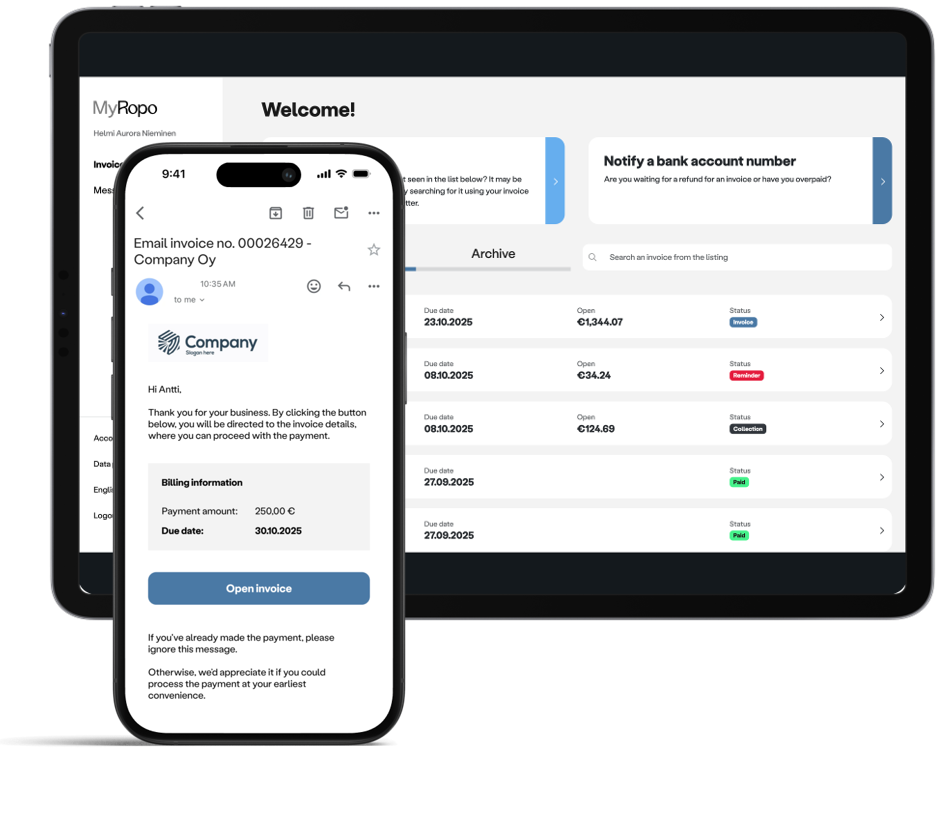
Services & features
MyRopo Invoice – For A Frictionless Payment Experience
Read more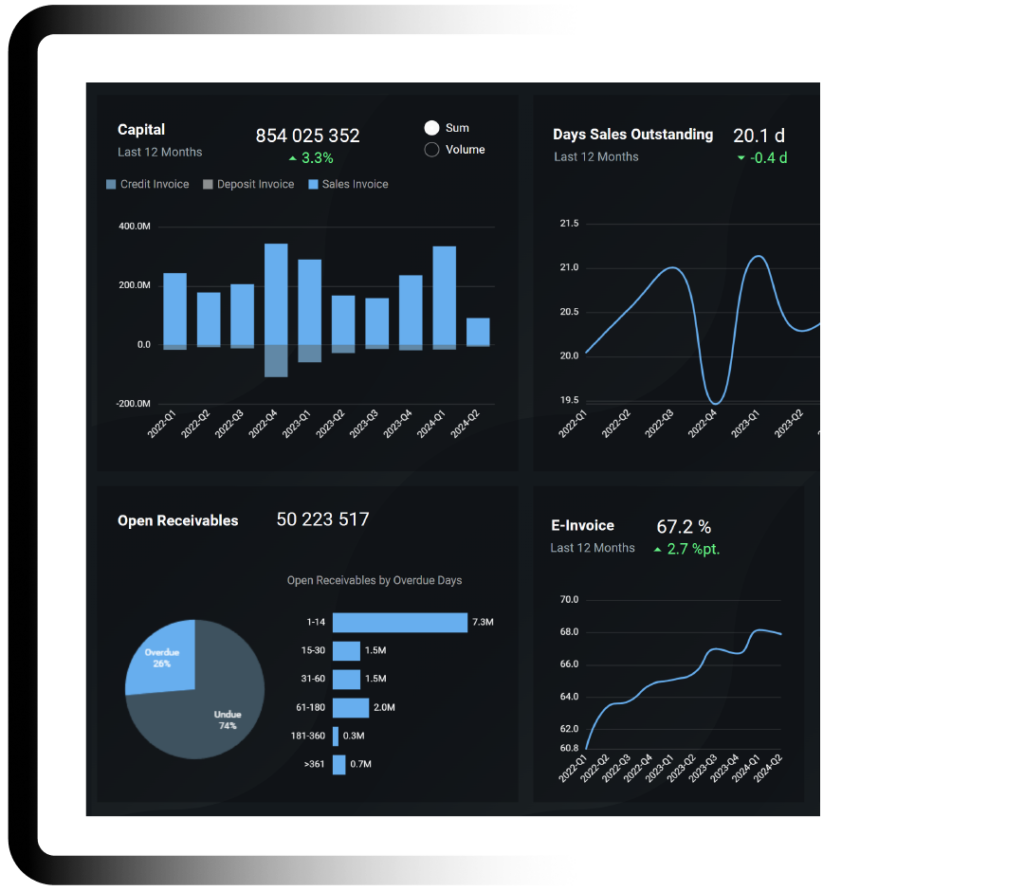
Services & features
Ropo OneView™ – Real-Time Visibility for Smarter Financial Decisions
Read more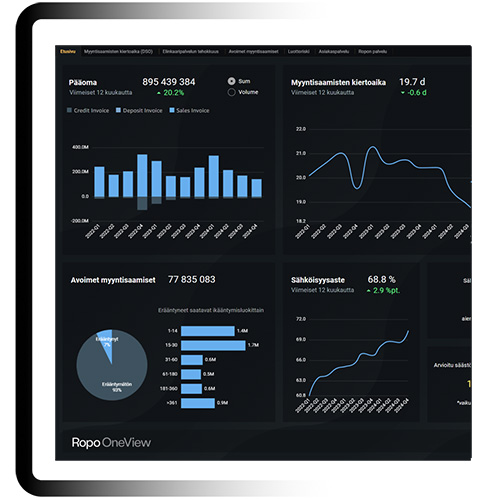
Client stories