

 Log in
 Log in
Customer service
Here you’ll find everything you need to manage your payments—access to our customer service portal MyRopo, answers to frequently asked questions, details about the late payment process, and more.
If you have any questions or need help with payment arrangements, we are here for you.
Welcome to Ropo
Did you receive a letter from us? At Ropo, we help companies manage invoices throughout the entire invoice lifecycle. A letter from us means your service provider is partnering with us.
If you have any payment-related questions or need assistance with payment arrangements, we are here to help.
MyRopo – Everything you need for managing payments
Handle your invoices and payments online.
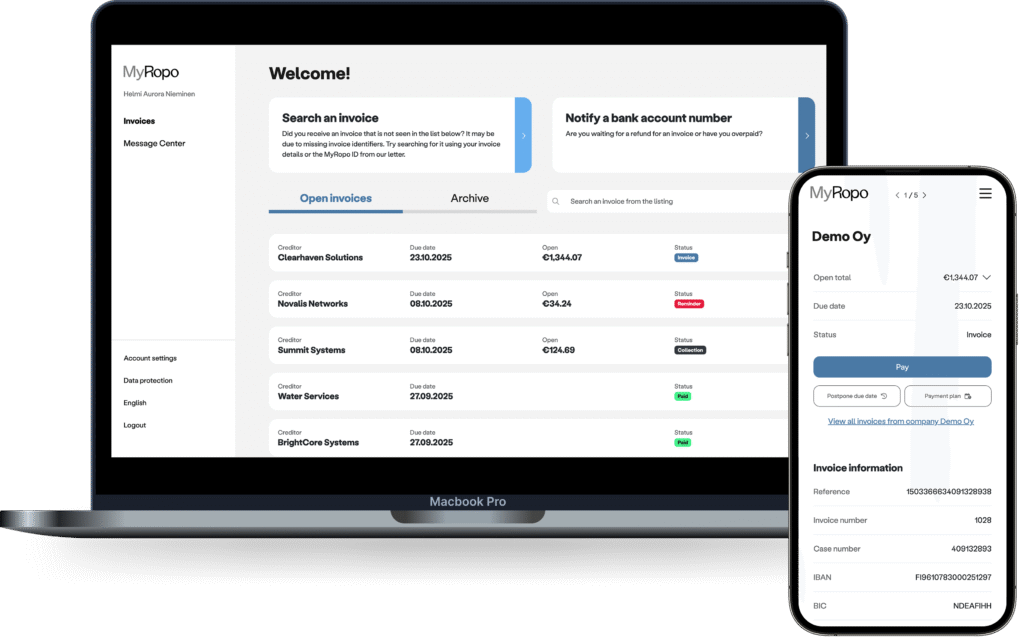
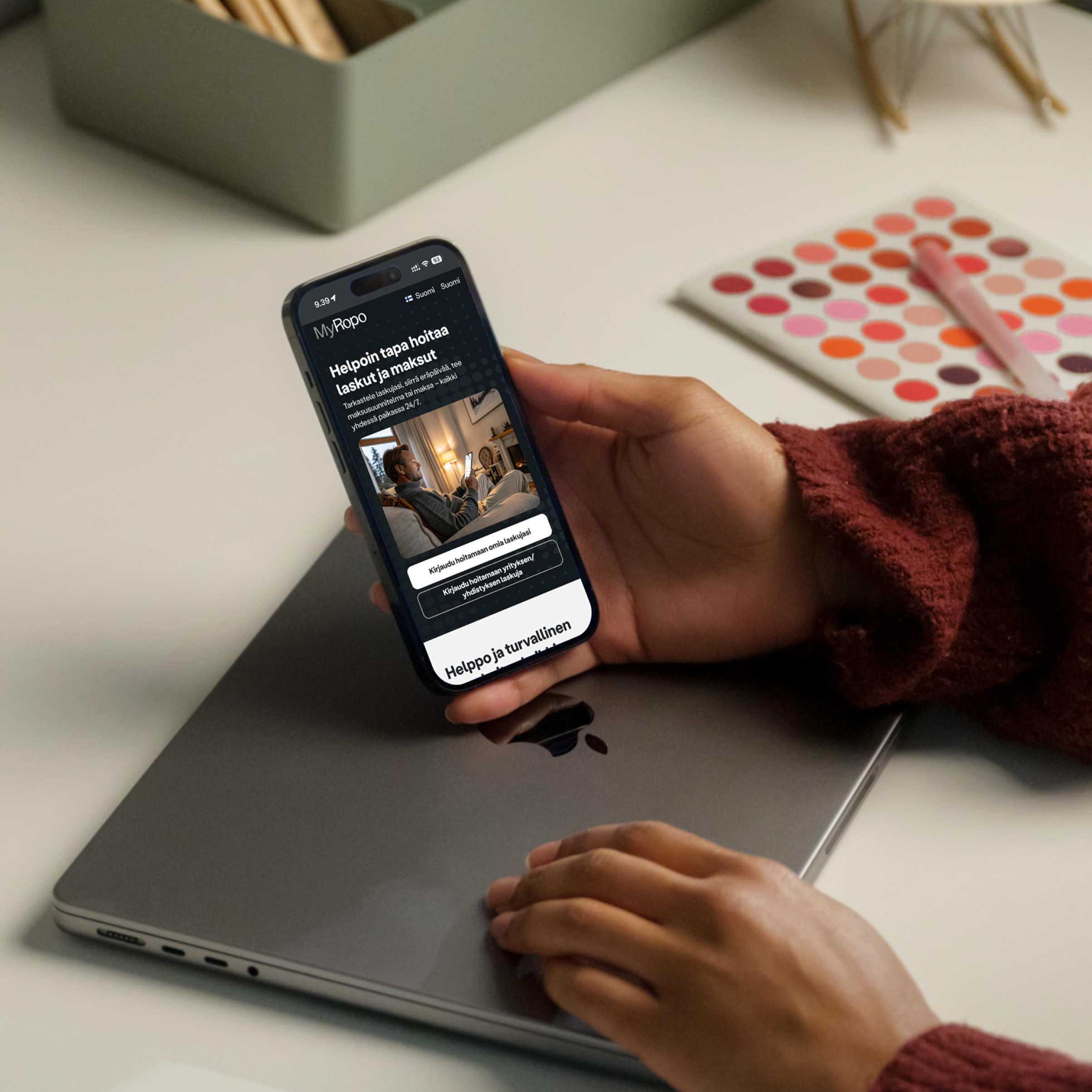
The smoothest way to handle your invoices and payments is through MyRopo, our secure online platform.
MyRopo combines self-service convenience with support from our customer service team and a 24/7 AI assistant.
First-time login requires strong identification. After that, you can access using your email and your chosen passkey or with a one-time verification code.
In MyRopo, you can:
- View invoices: See your paid and unpaid invoices in one clear list, with up-to-date status
- Pay instantly: Make payments and receive immediate confirmation – no delays.
- Postpone due dates: Adjust due dates for added flexibility.
- Set up a payment plan: Split invoices into smaller, manageable payments.
- Add your bank account details: Add or update your bank account number to receive refunds or reimbursements.
- Authorize someone else: Easily grant invoice-specific authorization.
- Contact customer service: Use the Message Center for help via AI chat and our customer service team.
Contacting us is easy – Choose the channel that suits you
Find the correct contact information

The correct contact details are always included in any invoice, payment reminder, collection letter, or any other letter from Ropo—usually at the bottom of the letter or next to other contact details.
You can also reach our customer service via MyRopo.
Prefer to call us?

If online tools aren’t the best option for you, you can contact our customer service team by phone. We are here to help.
The correct phone number is always listed on your invoice, payment reminder, or collection letter—usually at the bottom of the letter or next to other contact details.
Always use the number shown on your invoice to ensure you reach the right team.
Send us a message
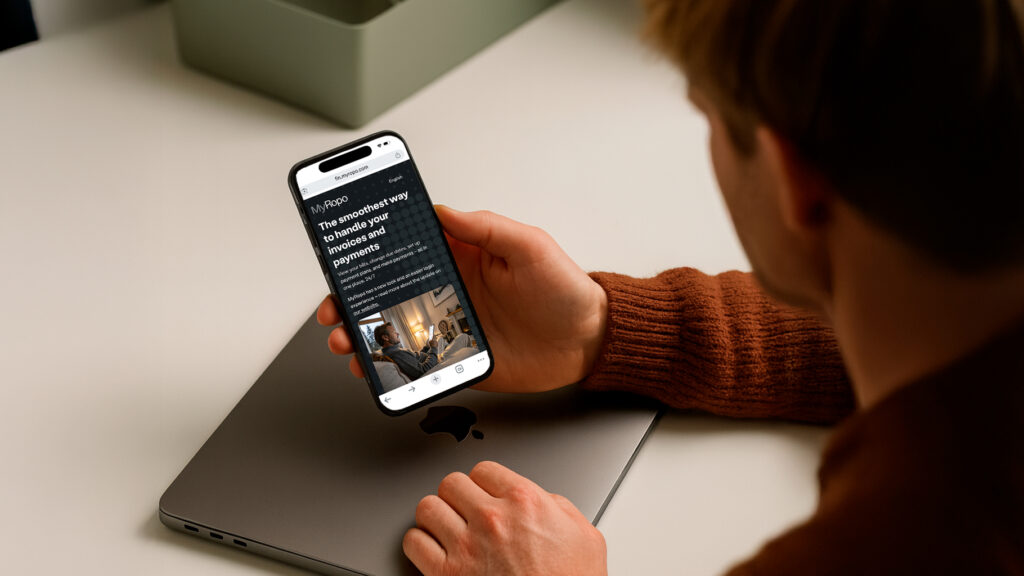
For secure and convenient messaging, use the MyRopo Message Center.
Invoice content questions
If you have questions about the content of your invoice, please contact your service provider directly.
You can find their contact information on your invoice, in your contract, or on their website.
Handling corporate invoices or acting on behalf of a public authority
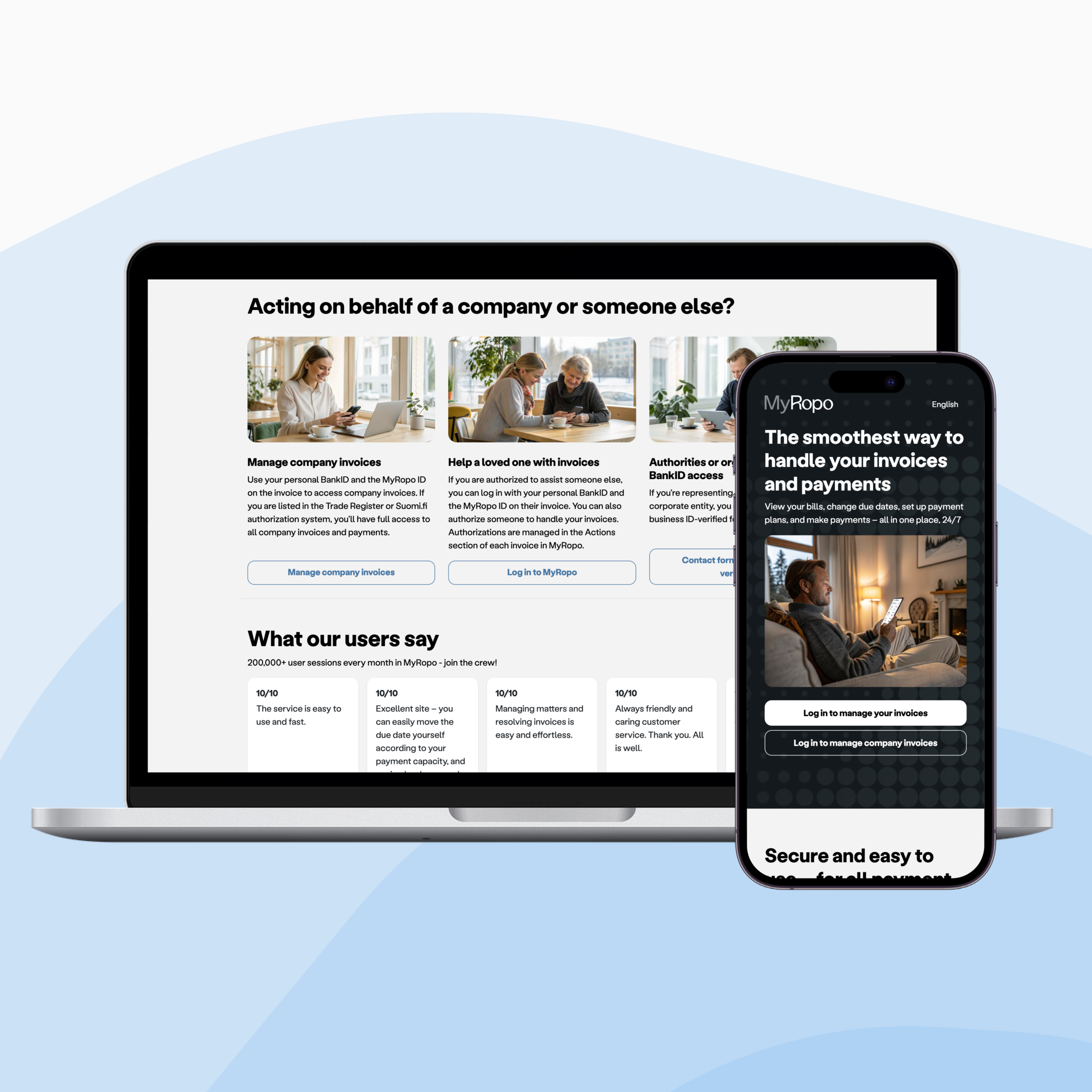
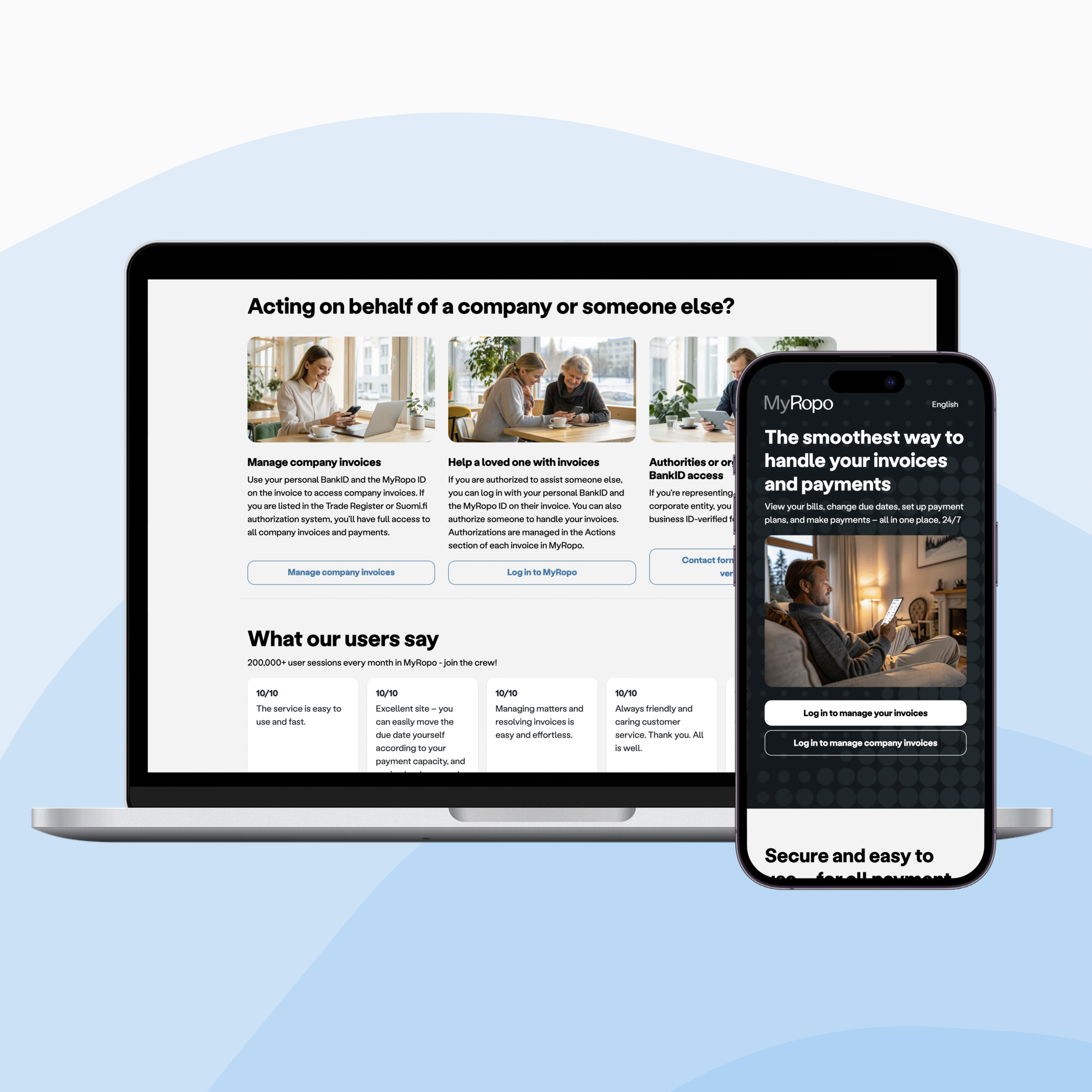
If the invoice has a MyRopo ID on it, you can access it through MyRopo. Use your personal BankID or corporate login if available in your country, search the invoice using MyRopo ID, and make a payment, set up payment arrangement, or contact our customer service team.
- MyRopo for corporate entities: Log in with your personal BankID and open the specific invoice using its unique MyRopo ID.
- Authorities or organizations without BankID access: Access MyRopo or contact us using a business ID-verified form.
Late payment process
Is your payment overdue and you need guidance on what happens next?
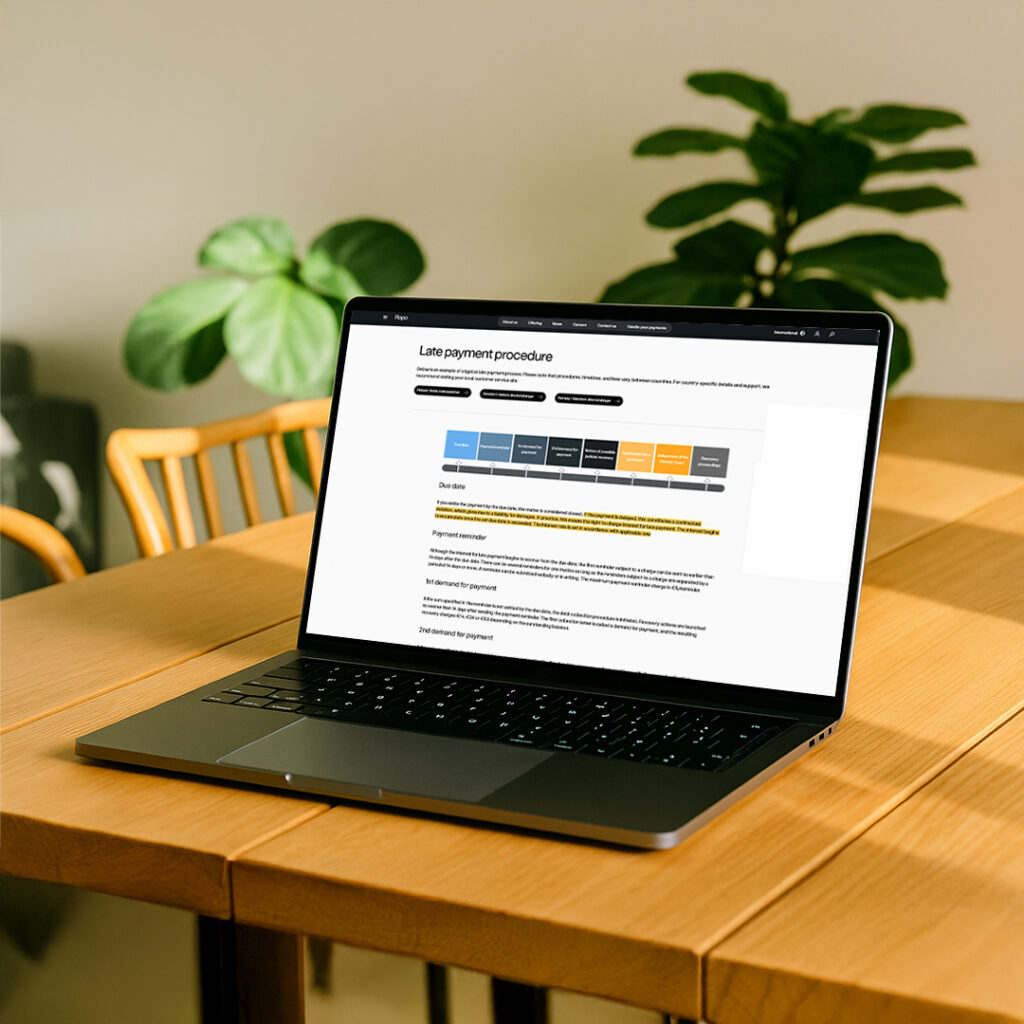
Our late payment process explains each step – from reminders to collection. No matter the stage, we are happy to help you set up a payment plan and resolve the issue. The most important step is to contact our customer service if you are not able to make the payment by the due date.
FAQ – Frequently asked questions
Is it possible to change a due date? What payment arrangement are available? Who should I contact about invoice details and content? How to check the outstanding balance?
Find answers to these and more on our Q&A page:
Service fees

Learn about the most common costs and service fees related to payment arrangements, reminders, and collections.
Opening hours
Our customer service team is here to help during service hours
- Phone support: Monday–Friday, typically between 8:00–17:00 (local time)
- Opening hours may vary by country and by phone line. Please check your local service hours through the links below.
- The busiest times are around lunchtime (10:00-13:00) and late afternoon (15:30-16:30). If you wish to avoid queues, we recommend contacting us outside these hours – or using MyRopo for the most convenient and delay-free service.
- MyRopo: Available 24/7
- MyRopo Message Center: AI assistant available 24/7, customer service team responds during service hours
If you need assistance outside service hours, you can always use MyRopo or leave us a message—we’ll get back to you as soon as possible.